The short version
- Sharp: zoom in on the faces. If eyes look soft or blurry, pick another photo.
- Close: faces should take up a good part of the frame, especially for ornaments and mugs.
- Bright: daylight or even indoor light. Avoid strong backlight and dark rooms.
- Original: send the file from your camera roll, not a screenshot or a social media download.
- Unfiltered: heavy filters and beauty effects often look strange once printed.
Match the photo to the product
Ornaments
Ornaments are small, so less is more. One to three people or pets, cropped close, works best. A wide group photo of twelve people becomes twelve tiny faces. For a photo ornament, think “head and shoulders.”
Mugs
The print area on a mug is a wide, short band that curves around the cup. Choose a photo with the subject near the middle and a little space around it, and avoid photos where heads touch the top edge.
Canvas
A canvas shows everything, good and bad. Larger sizes need more detail. Recent phone photos usually handle medium sizes well. If your photo is not sharp enough for the size you chose, we will tell you on Etsy before printing.
Illustrated (watercolor) styles
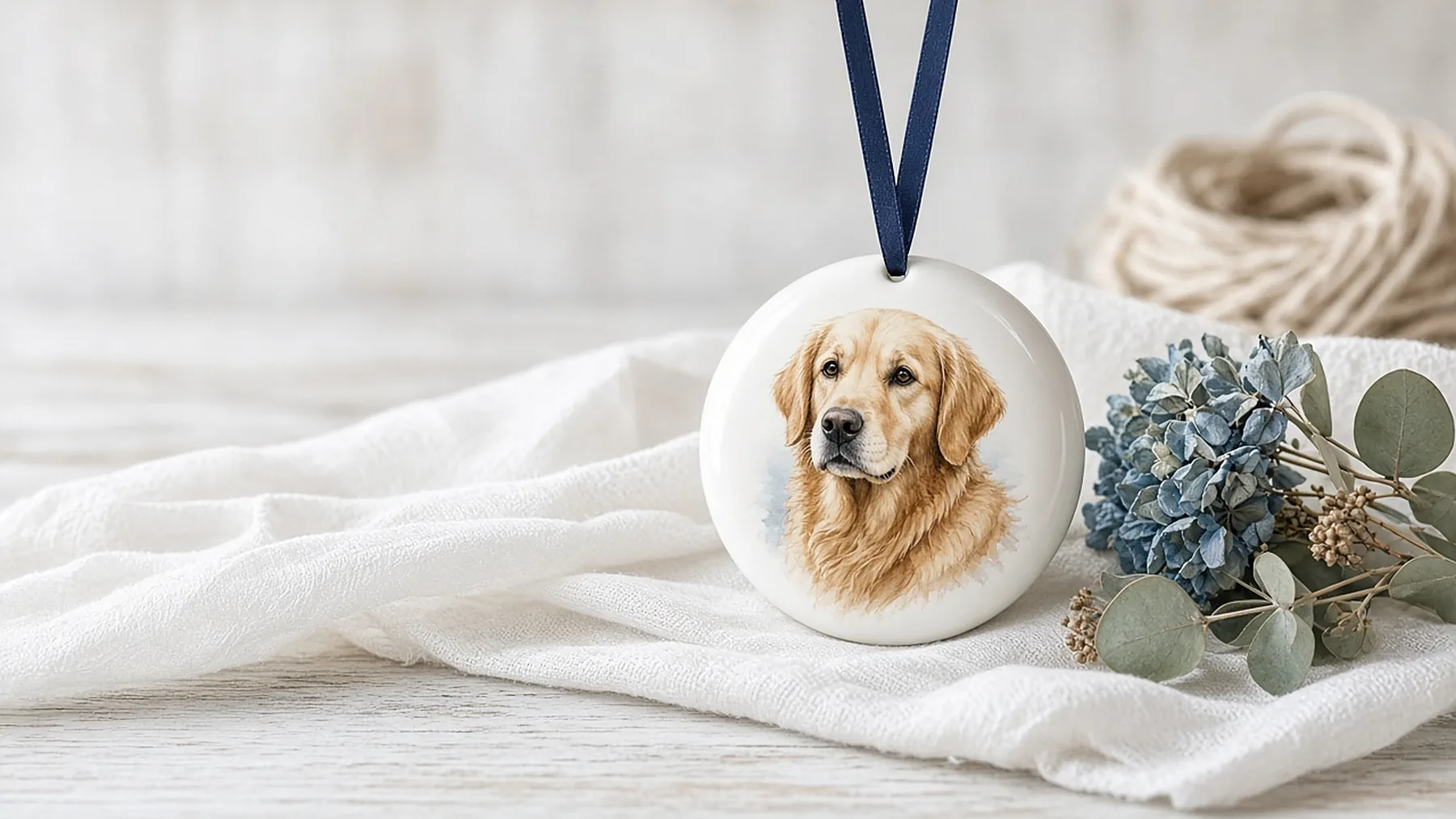
Illustrated designs are made with the help of AI image tools, then checked by a person against your photo. They are a bit more forgiving of busy backgrounds, but they still need a clear view of the face, so the result looks like the person or pet you know.
Photographing pets
- Get down to their eye level.
- Use daylight near a window, which shows true coat color and markings.
- A squeak or a treat held just above your phone gets their attention and perked ears.
- For a memorial piece, use the clearest photo you have. We will let you know if it will not print well.
Working from old printed photos
Old wedding photos and family prints can make wonderful gifts. Scan them on a flatbed scanner at 600 dpi if you can. If you are using your phone, lay the print flat near a window, turn off the flash, hold the phone directly above it to avoid glare and distortion, and crop out the edges.
How to send a full-size photo from your phone
Many apps shrink photos to save data, which can make a print look soft. To keep full quality:
- iPhone: upload directly from the Photos app when Etsy asks for a file, or AirDrop or email the original to yourself first. When emailing, choose “Actual Size” if asked.
- Android: upload directly from Google Photos or your Gallery app. If you share by email, avoid any option that reduces image size.
- Avoid: screenshots, photos saved from social media, and photos forwarded through messaging apps, which are usually compressed.
Found a good one?
Start your gift on EtsyWhat happens after you send it
We look at every photo before anything prints. If the photo is too small, too dark, or too blurry for the item you chose, we message you through Etsy so you can send another or pick a different size. Photos you send are used only to make your order; see our privacy page for details.